Setting Activity Completion Criteria and Course Completion Criteria
When creating a course using the Integrated Moodle LMS, setting completion criteria is essential for the progress and completion reports to be accurate. This guide explains how to set activity both activity and course completion requirements to effectively track student progress.
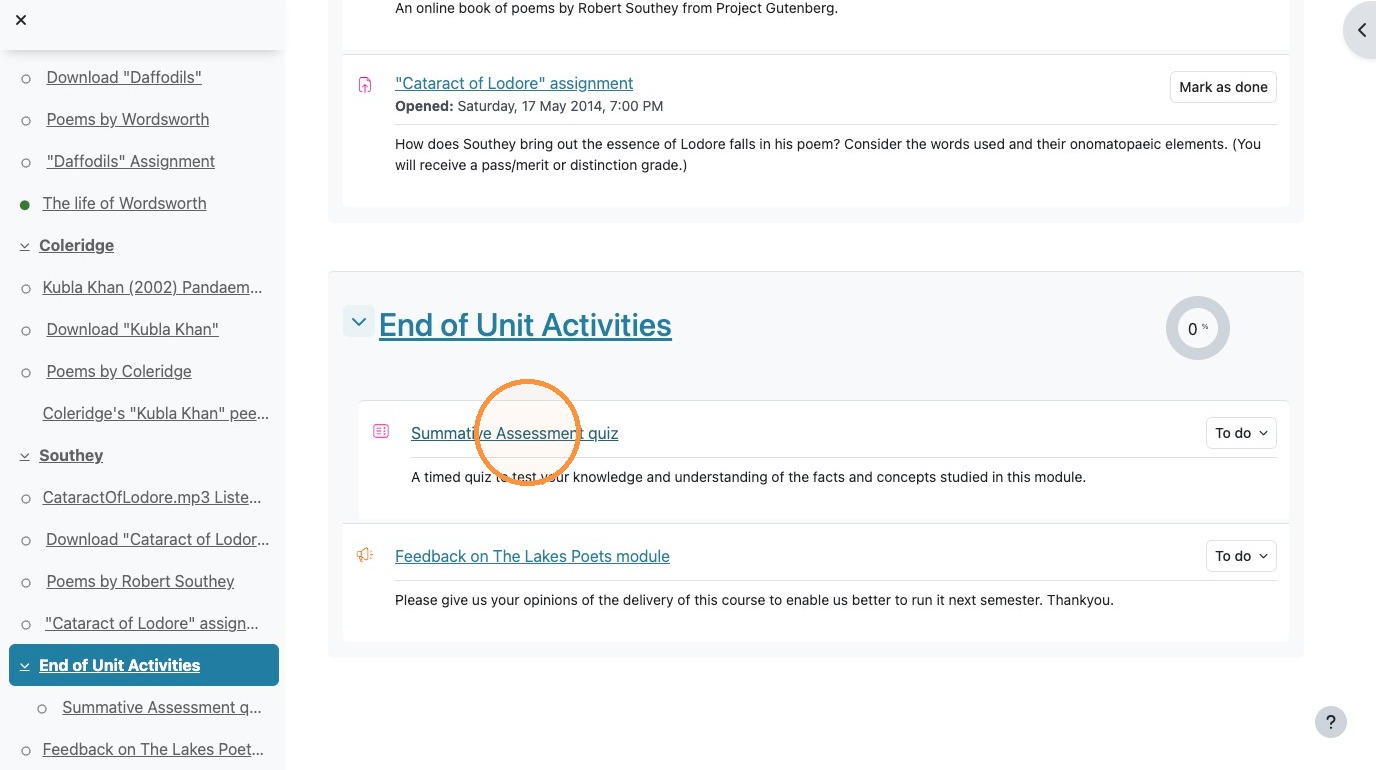
1. Click on the course activity that needs a completion requirement set.
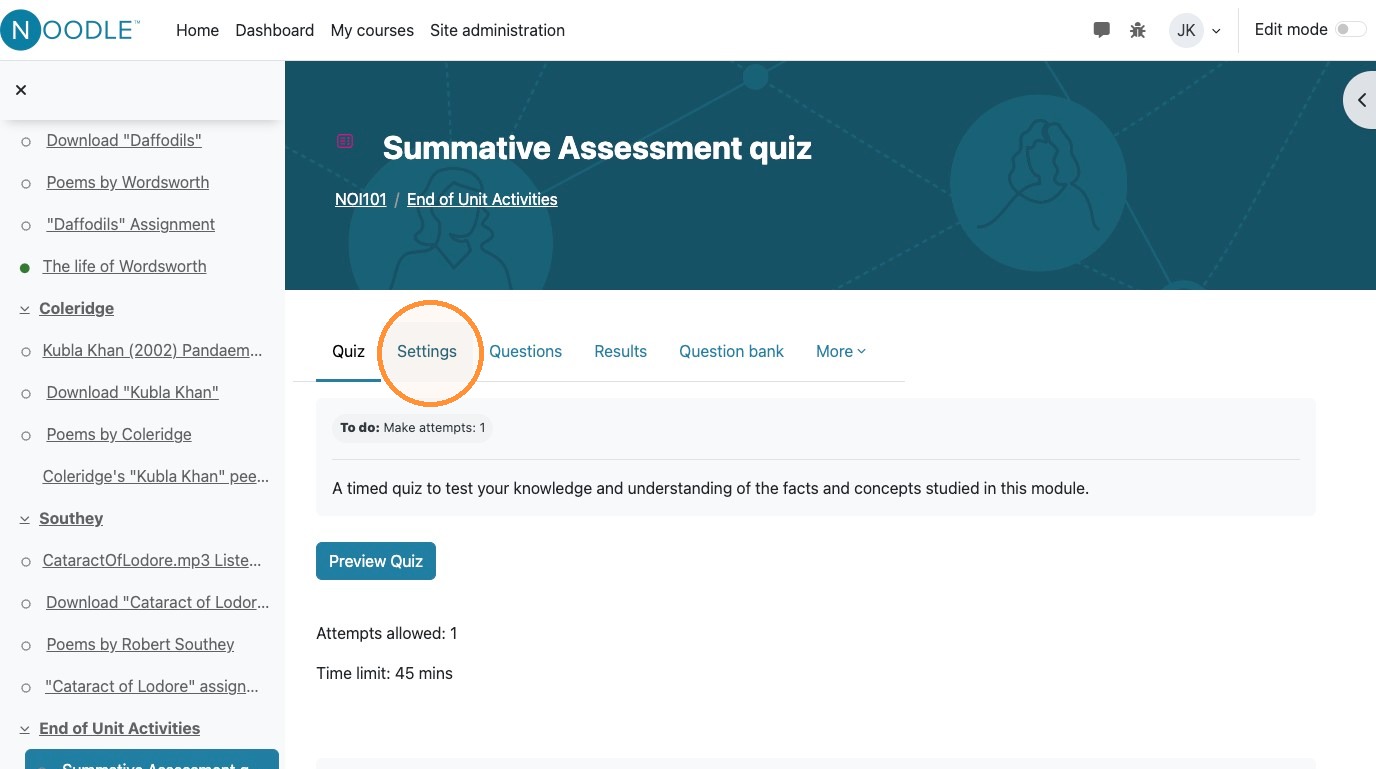
2. Inside the item, click "Settings"
3. Click "Completion conditions"
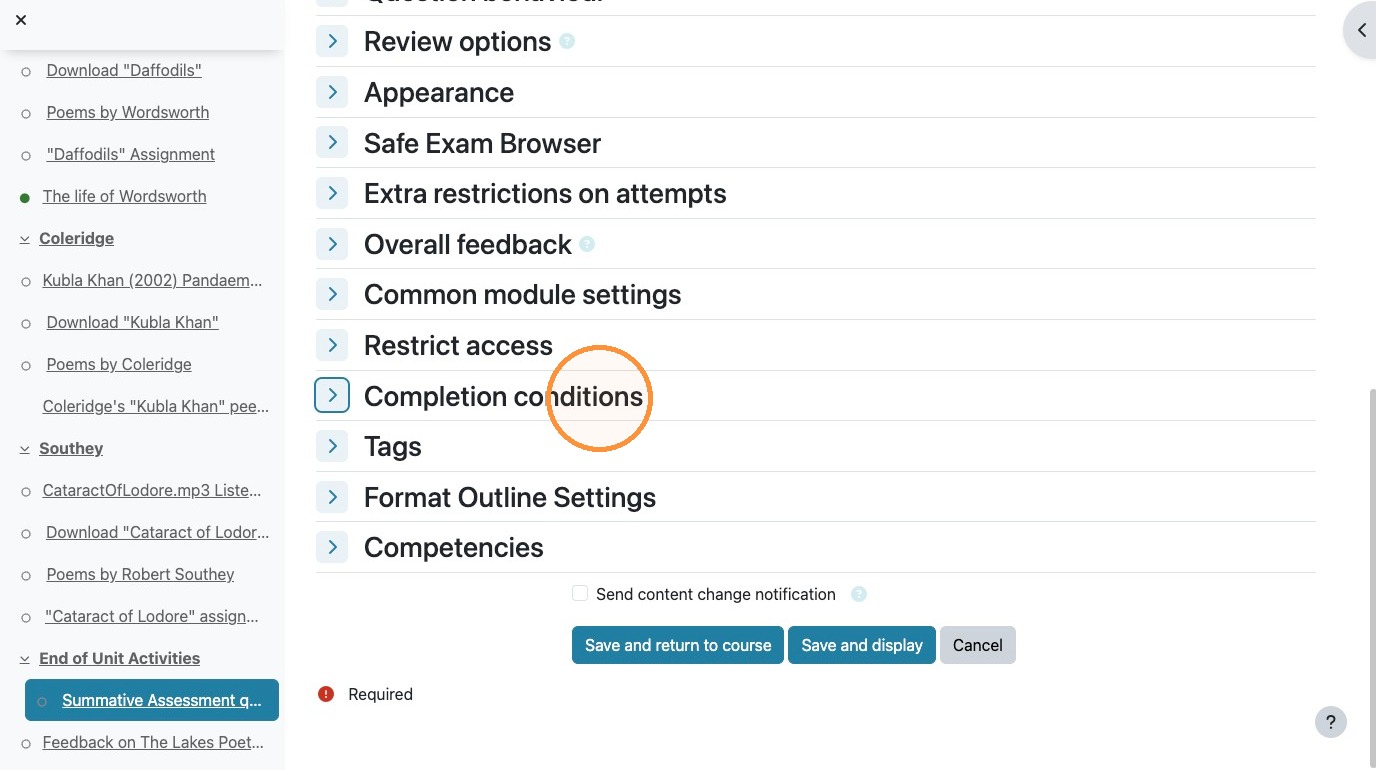
4. Click on the requirements for this activity to be completed. This could be simply opening the page, completing an activity, or scoring a specific grade to be complete.

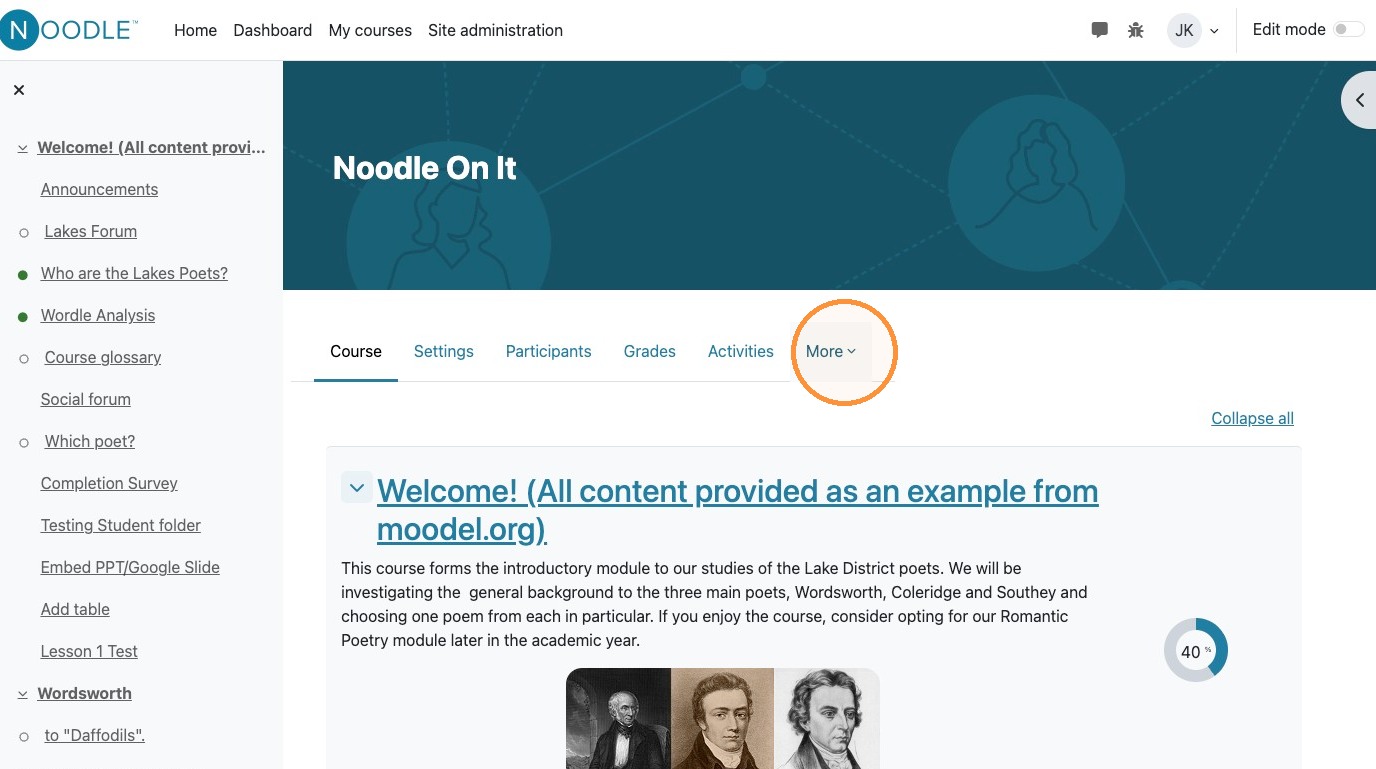
5. Separately, to set the course as complete, click "More" in the course menu
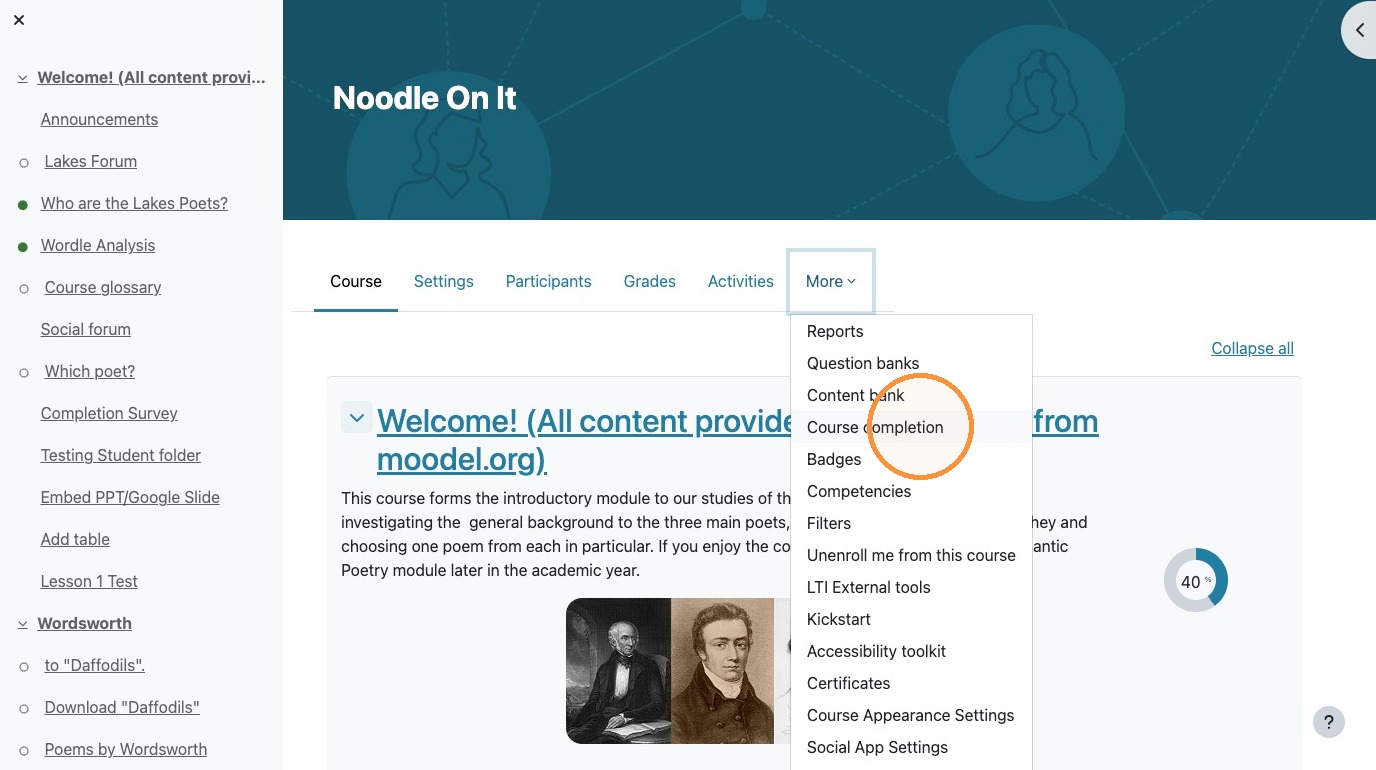
6. Then, click "Course completion"
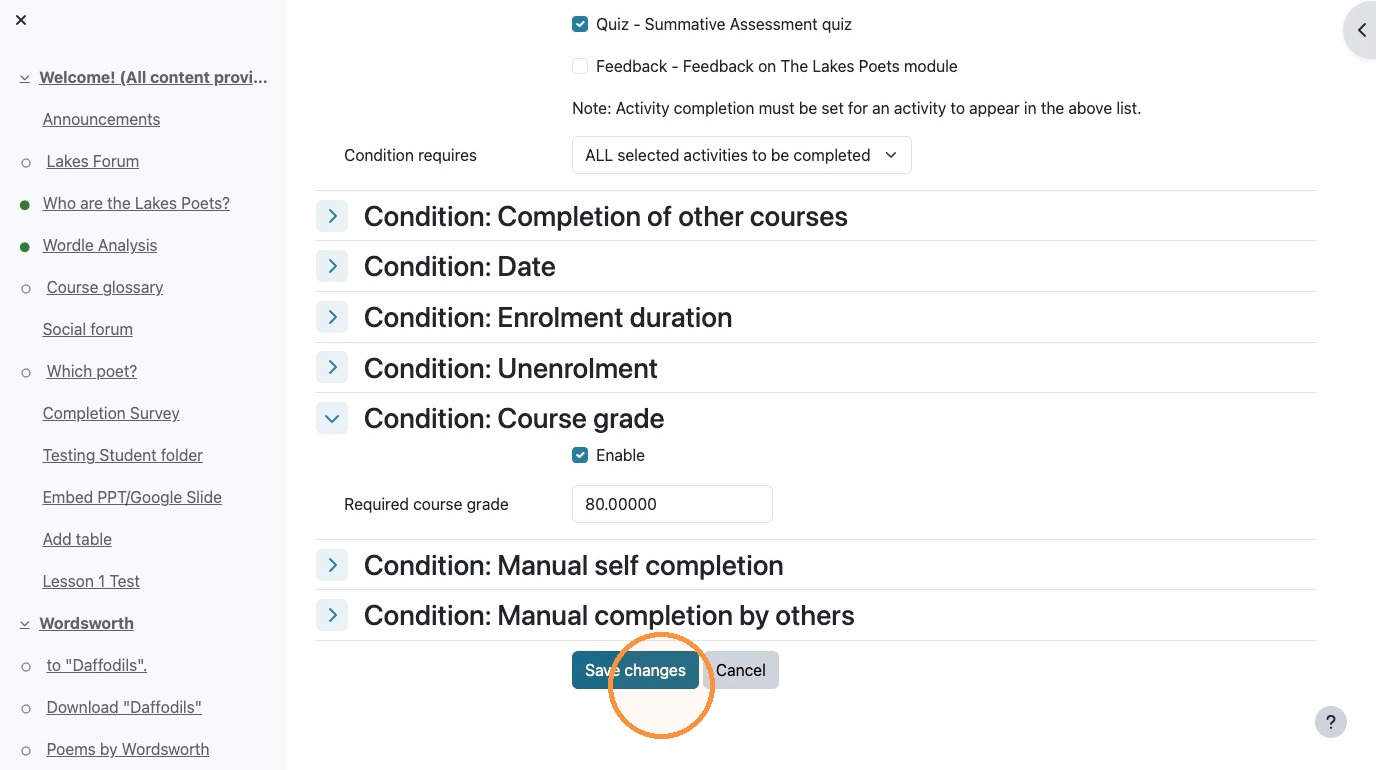
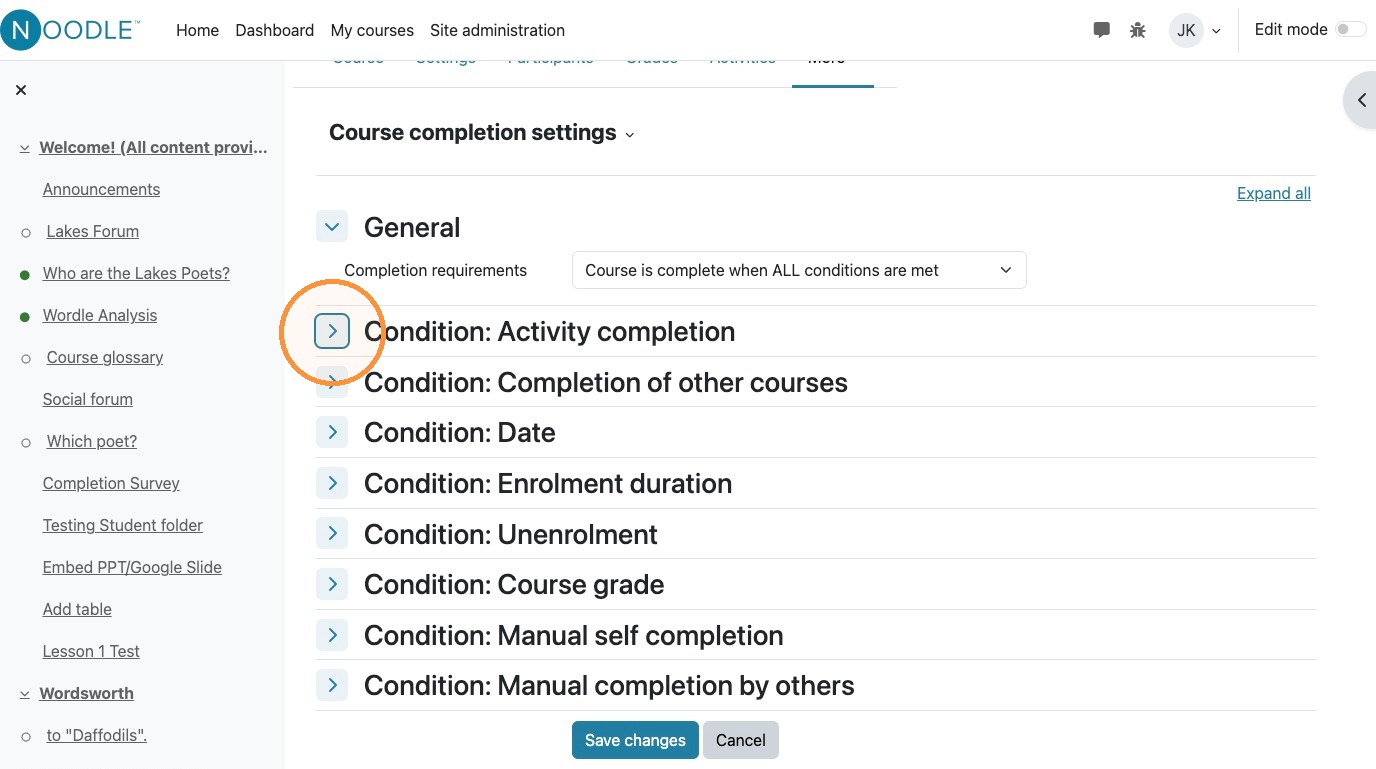
7. To mark the course as complete, you can select one ore more individual activities that have been completed. to select activities, click "Condition: Activity completion"
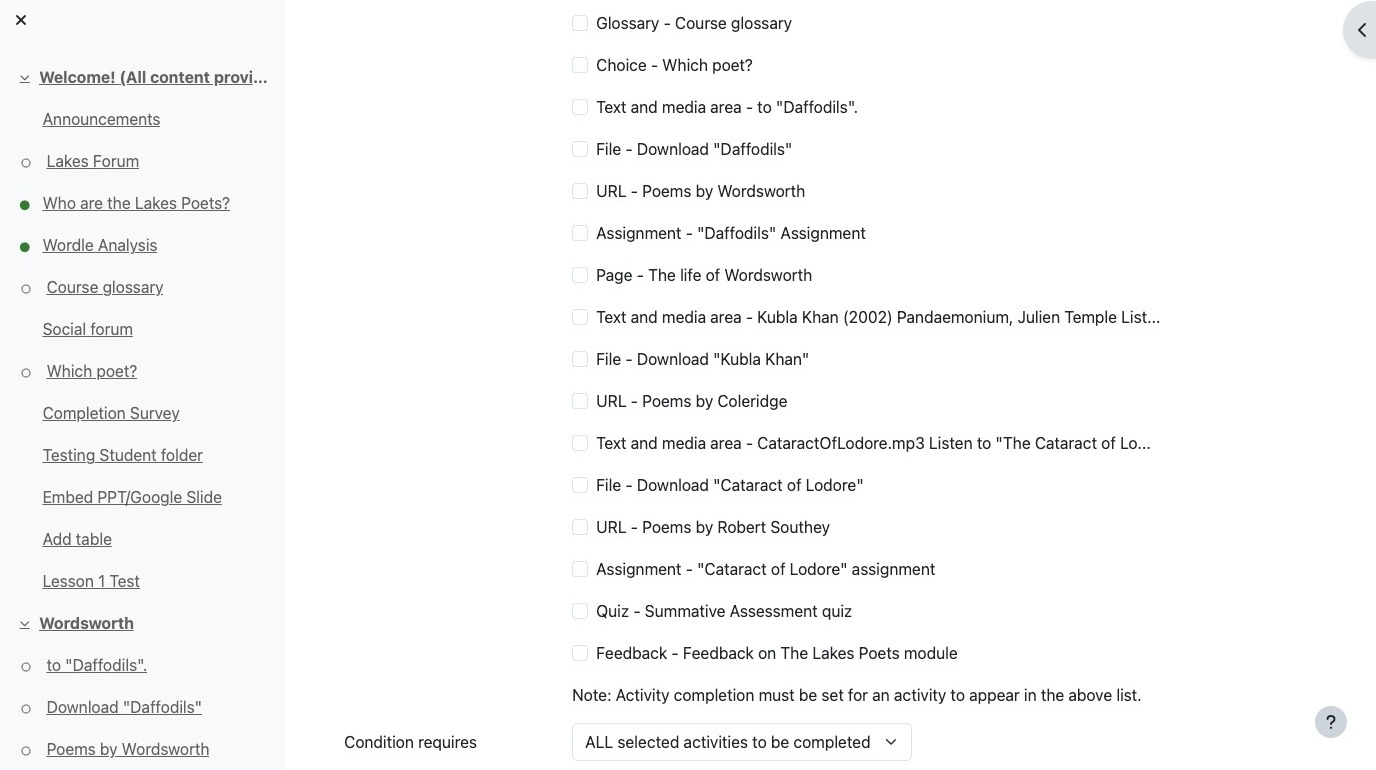
8. Then select the activities that are required for course completion. (Note, this will only work if the activities completion has been previously set)
9. Alternatively (or in addition to activity completion), you can set a minimum course score or grade for the course to be marked as completed. If you set a minimum course grade, it is recommended that you also have activities that are required so that the course isn't marked as complete after the first successful graded activity. To set a grade, click "Condition: Course grade"
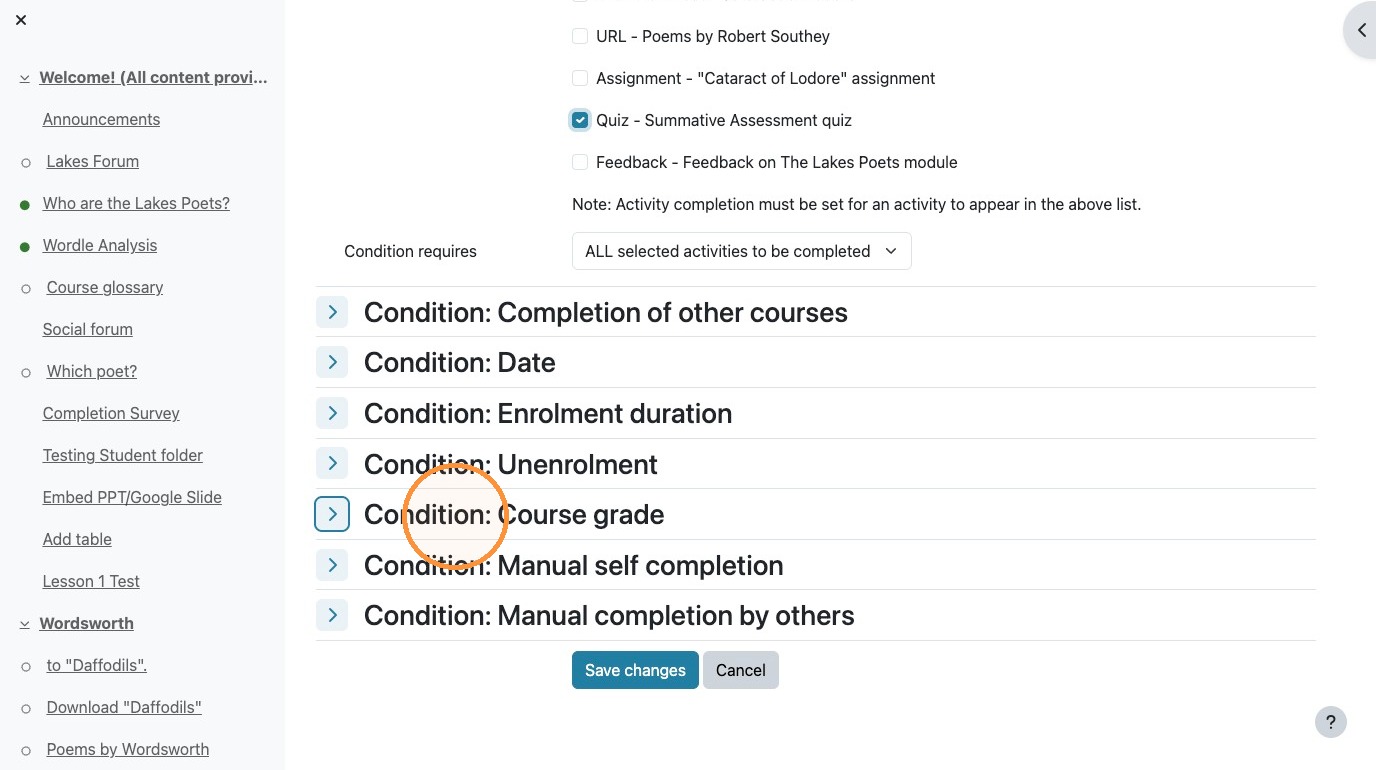
10. Then you must enable the minimum grade by clicking the "Enable" field.
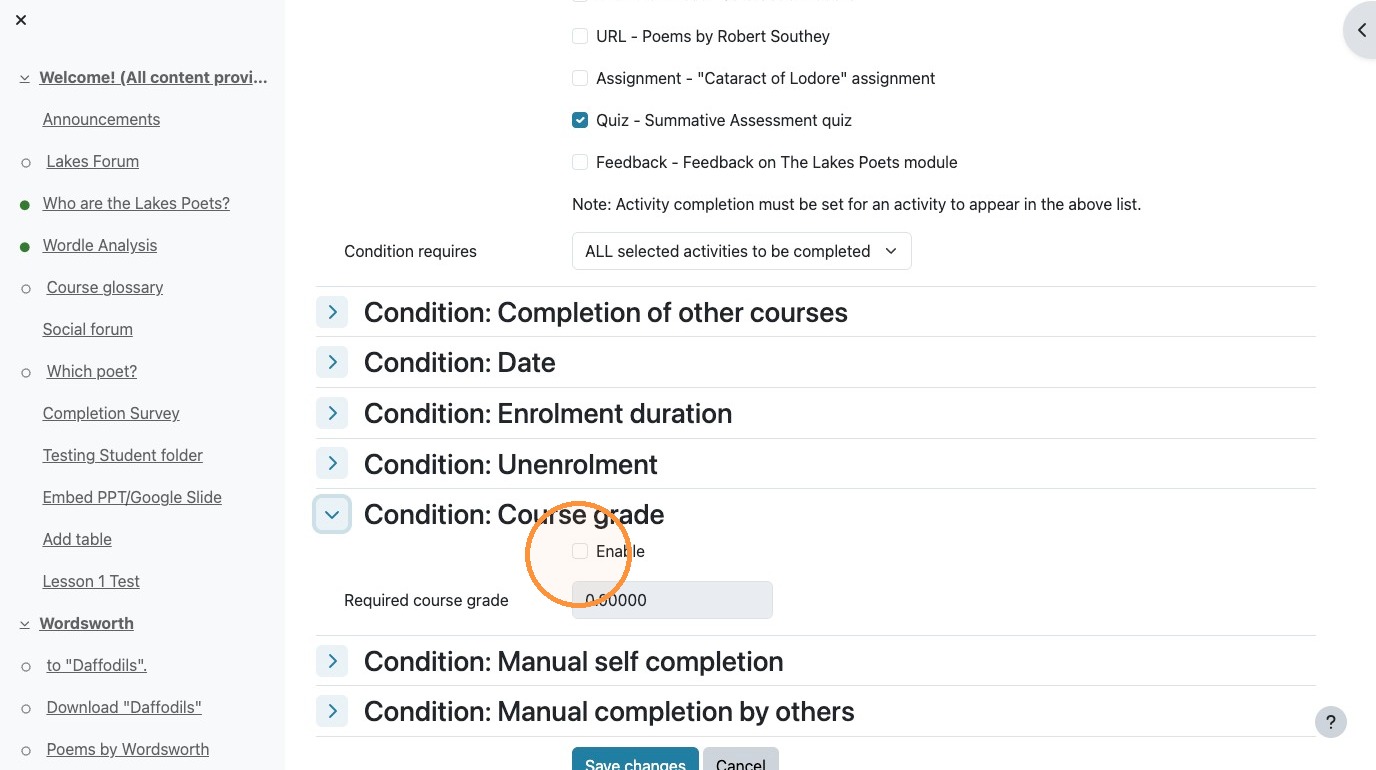
11. Enter the minimum grade in the "required course grade" field.
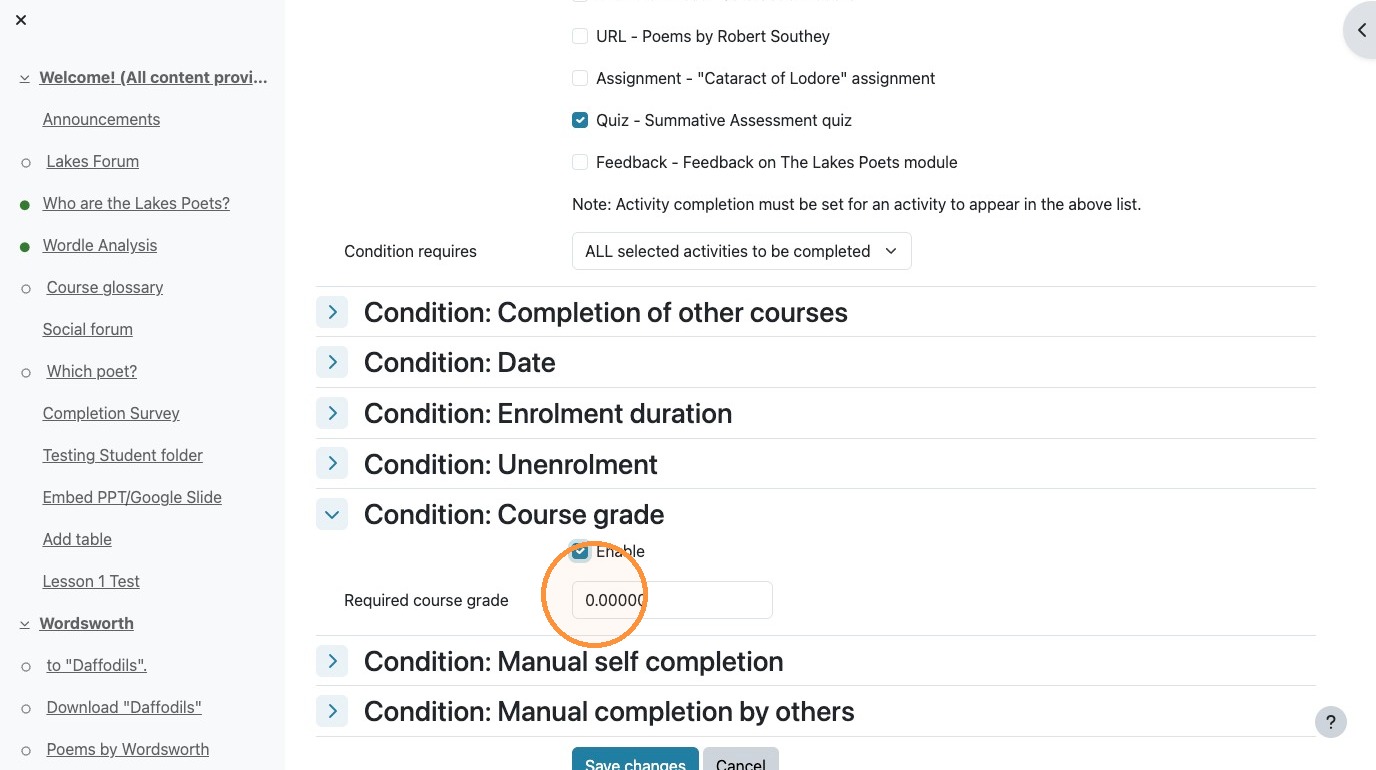
12. Make sure you click "Submit" to finalize the course completion criteria.